Home
Bank, courier, family and refund scams — for one adult phone.
Konfydence Lockscreens
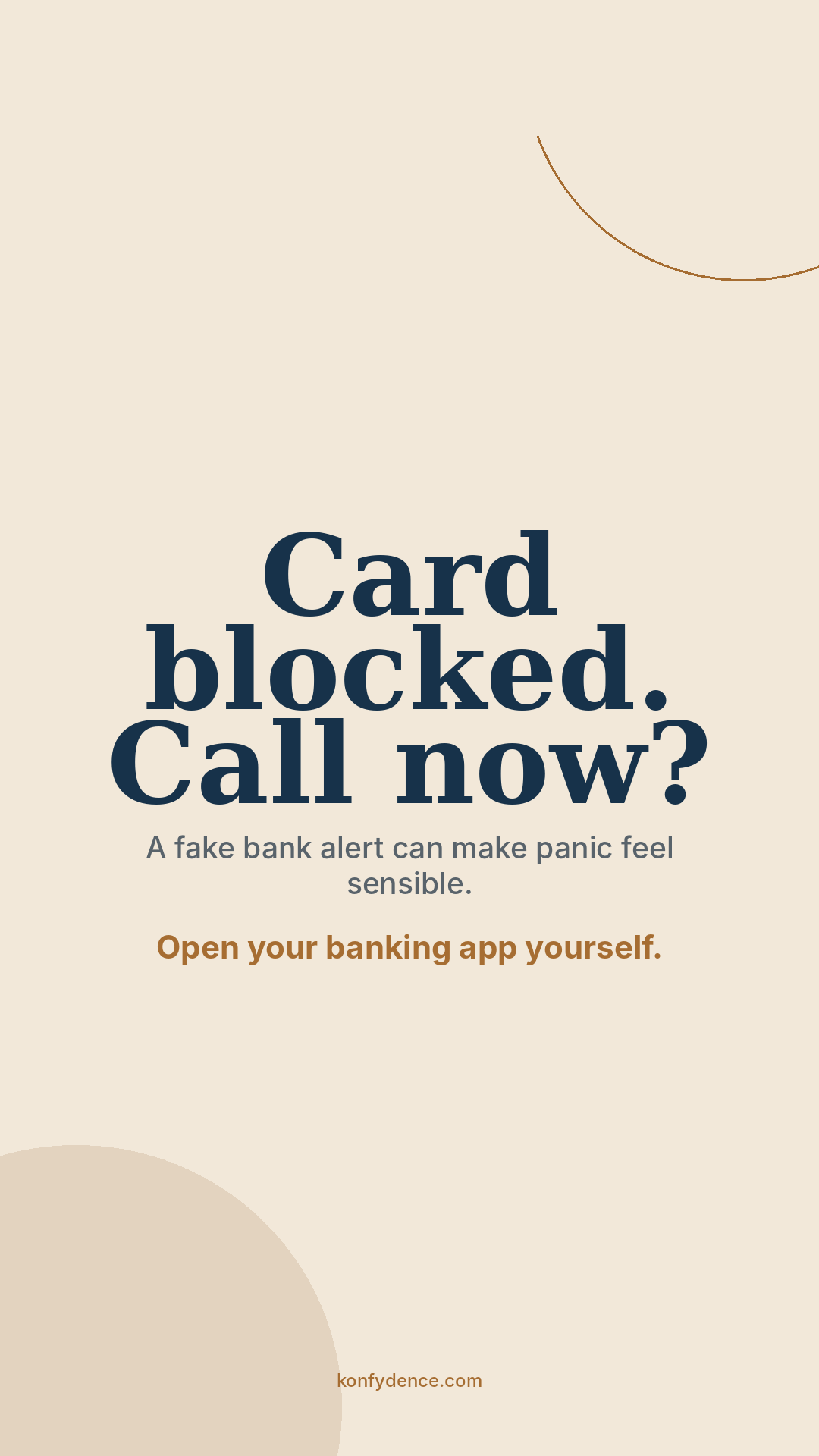
Scam pressure works because it catches you mid-scroll. A lock screen puts Pause. Assess. Talk. in front of you before you reply, click or pay — and a fresh prompt lands every two weeks as the scams change.
See the screens
Every screen names a specific move a scam makes and the one calm response. A sample from each library — the full sets rotate a new one to your device every two weeks.
Bank, courier, family and refund scams — for one adult phone.
Gaming, social, deepfake and money-request scams — in a teenager's language.
Invoice fraud, executive impersonation and credential theft — on company devices.
Account trading, QR codes and login phishing — on shared and managed machines.
Tap any screen to see it full size. Home and Teen screens are sized for a phone; Schools and Workplace ship in desktop, laptop and tablet formats for your device management. The message and the scams stay current all year.
How it works
You never touch a ZIP of 180 files. You install one screen, on one device, in under a minute — and Konfydence keeps it current for you.
One checkout. You land on a page that says: protect your first device.
iPhone, Android, Windows, Mac or iPad. We show the right format automatically — no guessing, no ZIP.
Download prompt 1 and follow a few short, device-specific steps. Add another device if you want.
“Your next Konfydence screen is ready.” One click, one download. The wording and the scam patterns stay current.
Pricing
Year one includes onboarding and the full prompt set. The renewal keeps the fortnightly updates, new scam patterns and access coming.
Home
$19.99 first year
then $14.99 / year
One phone. A new prompt every two weeks and continued access to the full set. Delivered by email — save each screen as your wallpaper.
Teen Home
$19.99 first year
then $14.99 / year
The same service with prompts written for a teenager's phone — gaming, social and peer-pressure scams.
Schools
$2 per managed computer / year
Sized for shared and MDM-managed devices
One licence per managed computer. Rolled out to lab, library and classroom machines through your device management.
Workplace
$4 per employee / year
$300 minimum annual licence
Per-employee licensing for company devices. Pairs with a CoMaSy pilot when you also want to measure behaviour.
Home and Teen check out instantly. Schools and Workplace get a numbered quote and a Stripe invoice you can pay by card or bank transfer. Prefer a free reminder first? The Emergency Scam Protocol is a free download.
Learn more
The lock screen is one idea applied a few different ways — a fleet under device management, a school's shared machines, or one phone in a family. Each has its own page.
Also from Konfydence
One decision habit — spot the pressure with H.A.C.K., then Pause, Assess, Talk. Choose the situation closest to your life, or equip a team.
Own more than one situation? Get all five challenges for $24.99 →