One prompt, not a poster wall
Each screen makes a single point in plain language and shows the H.A.C.K. pressure pattern behind it. No clutter, no logo soup, nothing to dismiss.
SECURITY AWARENESS LOCK SCREENS
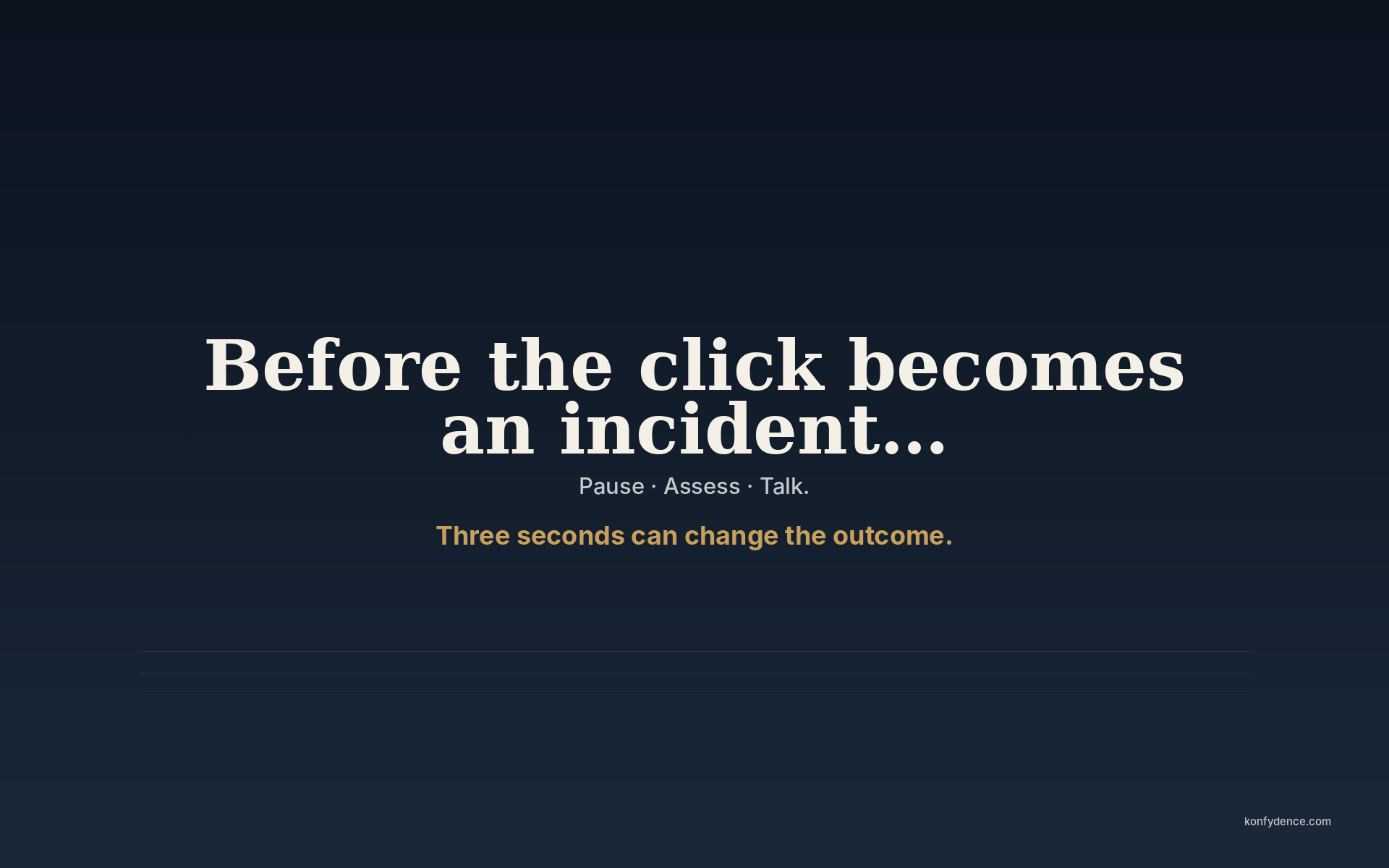
Most security awareness lands in an inbox once a year and is gone by lunchtime. A lock screen puts one short prompt — Pause, Assess, Talk — in front of someone every time they pick up a phone or wake a laptop, in the seconds before they click, reply or pay. Konfydence writes the prompts, keeps them current, and delivers a fresh one every two weeks.
The gap
The risky moment is never a quiz question. It's an urgent invoice, a text from a courier, a message from a boss who sounds off. A lock screen sits exactly there — on the device, at the moment of the decision — instead of in a course completed months ago.
Each screen makes a single point in plain language and shows the H.A.C.K. pressure pattern behind it. No clutter, no logo soup, nothing to dismiss.
Scam tactics move. The wording moves with them. A new screen lands fortnightly so the reminder never becomes wallpaper people stop seeing.
Phone, tablet, laptop and desktop each get a render sized for that screen — pushed through your device management, or installed in under a minute at home.
How it runs
You don't manage a library of files or chase people to update their wallpaper. Konfydence keeps the current screen current; you point your fleet — or your family — at it once.
Why it matters to the organisation
Annual training gives you a completion date. Boards and regulators increasingly want evidence that awareness is an ongoing activity, not a once-a-year event. A lock screen that changes every fortnight is a low-cost, always-on control — and the admin keeps a record of what ran and when.
Konfydence Lockscreens supports the human side of an awareness programme. It does not by itself make an organisation NIS2, ISO/IEC 27001 or otherwise compliant — the wider legal, governance and technical obligations remain the organisation's.
Questions
Posters are static and quickly become invisible. A lock screen is seen dozens of times a day, changes every two weeks, and reaches remote and mobile staff who never walk past an office wall.
No. It fills the gap between trainings — a steady, low-effort reminder at the moment of the decision. It pairs with a CoMaSy pilot when you also want to measure how people decide.
The current screen resolves from a single stable URL, so Microsoft Intune, Jamf Pro and the Google Admin console can all point a lock-screen or wallpaper policy at it and pick up each fortnightly change automatically.
Workplace is $4 per employee per year ($300 minimum). Schools are $2 per managed computer per year. Home is $19.99 the first year, then $14.99 a year. See the Lockscreens page for details.
Pause. Assess. Talk — where it’s seen.
Also from Konfydence
One decision habit — spot the pressure with H.A.C.K., then Pause, Assess, Talk. Choose the situation closest to your life, or equip a team.
Own more than one situation? Get all five challenges for $24.99 →