One URL, always current
The current screen resolves from a single Konfydence URL. Set DesktopImageUrl and LockScreenImageUrl once; every fortnightly change is picked up on the device's next sync.
MICROSOFT INTUNE
You can already push a desktop wallpaper and a lock-screen image with Intune. The problem is keeping it worth looking at — a static image goes stale, and re-packaging a new one every fortnight is a job nobody wants. Konfydence gives you one stable URL that always resolves to the current screen, so your Intune policy stays fresh without you touching it again.
The gap
Windows devices under Intune take a Personalization CSP wallpaper and lock-screen image. Set it and forget it, and staff stop seeing it within weeks. The value is in the message changing — and in it saying something specific about how scams pressure people, not just a policy line.
The current screen resolves from a single Konfydence URL. Set DesktopImageUrl and LockScreenImageUrl once; every fortnightly change is picked up on the device's next sync.
The Windows render is built for 16:9 desktop and lock screens. Notebook and tablet formats are available for mixed fleets managed the same way.
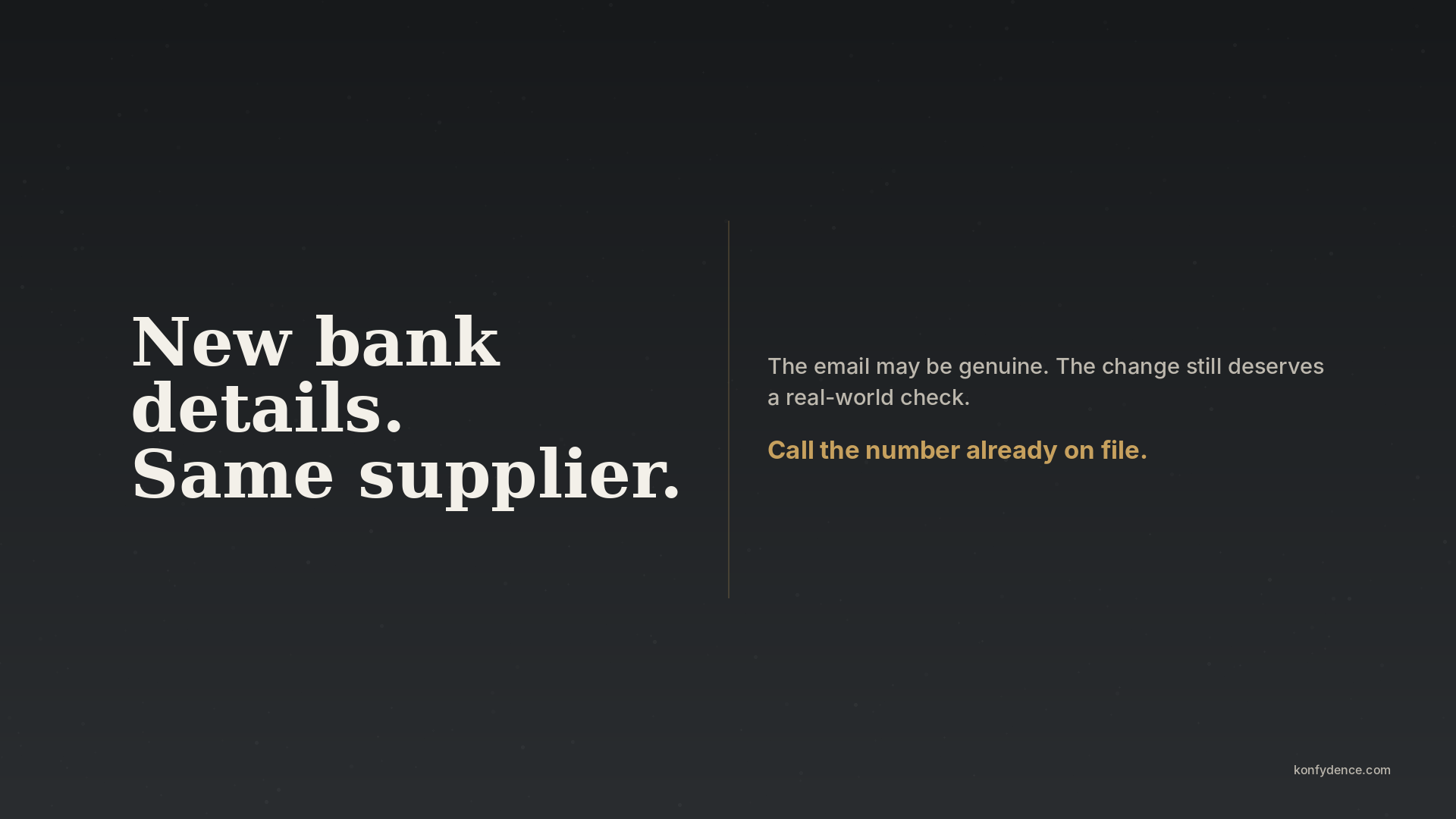
Each screen makes one plain-language point about a real pressure tactic — urgency, false authority, misplaced trust, a rushed hand-off — and the move that defuses it.
How it runs
Konfydence handles the content calendar and the renders. Your Intune configuration profile points at the resolver URL and never needs revisiting.
Why it matters to the organisation
The reason to run this through Intune isn't the wallpaper — it's that awareness becomes an ongoing control instead of a completion date. A prompt that changes every fortnight, on every managed device, is visible evidence of activity between formal trainings.
Konfydence Lockscreens supports the human side of an awareness programme. It does not by itself make an organisation NIS2, ISO/IEC 27001 or otherwise compliant — the wider legal, governance and technical obligations remain the organisation's.
Questions
The Personalization CSP — DesktopImageUrl and LockScreenImageUrl — available through a Settings Catalog or Device Restrictions profile on Windows 10/11 Enterprise and Education. Konfydence provides the exact URL to paste in.
No. The URL is stable; only the image it serves changes. Devices fetch the current image on their normal Intune sync, so the fortnightly refresh is automatic.
Yes. macOS managed by Jamf or Intune and ChromeOS via the Google Admin console can point at the same resolver with their own wallpaper policy. Each platform gets a correctly-sized render.
Yes — request a quote and we'll share the current library and the upcoming content calendar so you can check tone and coverage against your policy.
Pause. Assess. Talk — where it’s seen.
Also from Konfydence
One decision habit — spot the pressure with H.A.C.K., then Pause, Assess, Talk. Choose the situation closest to your life, or equip a team.
Own more than one situation? Get all five challenges for $24.99 →